TallyPrime Shortcut Keys PDF
Download Tally shortcut keys PDF
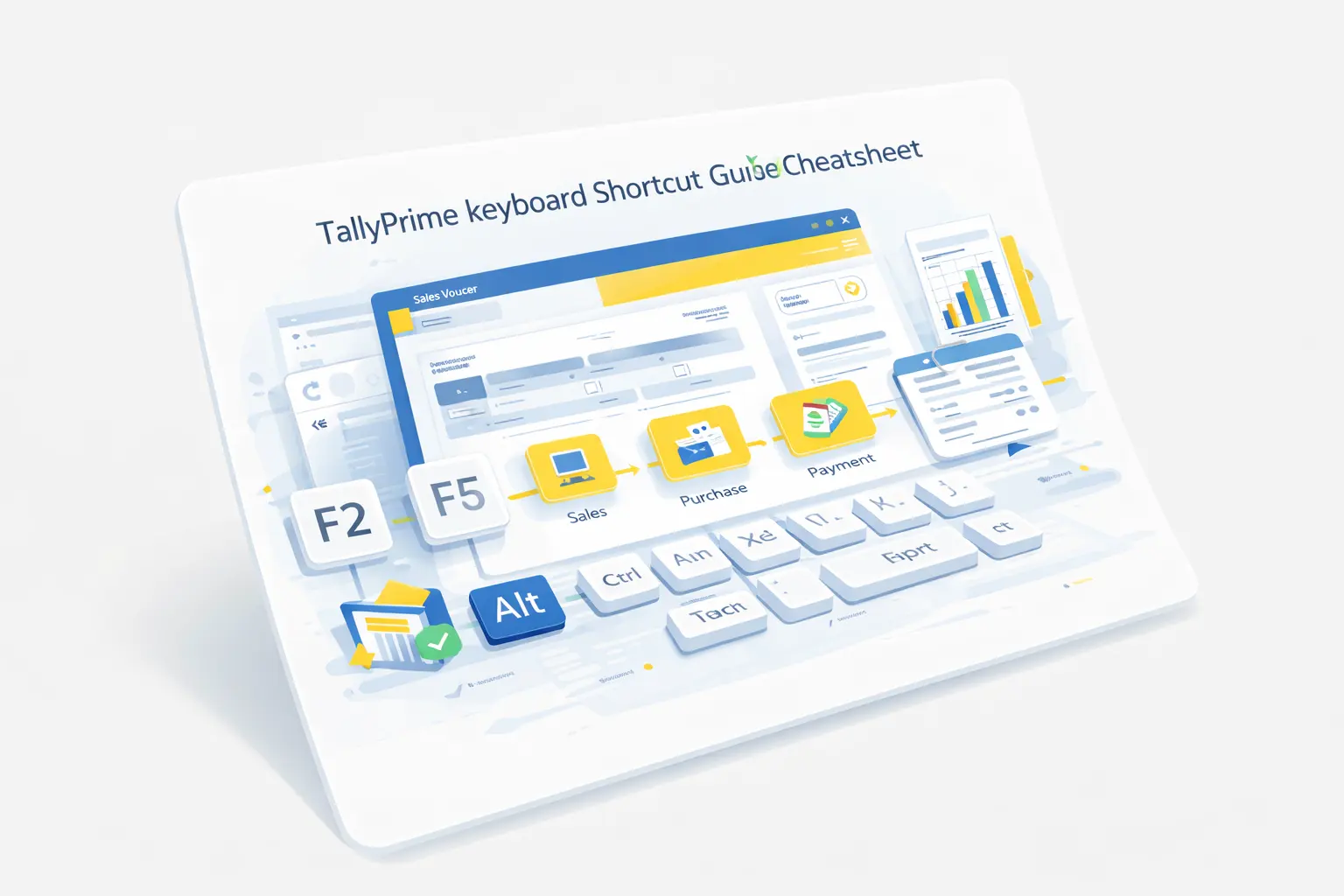
A simple keyboard cheat sheet for daily TallyPrime use
This free PDF is a practical keyboard shortcut guide for TallyPrime users. It helps accountants, finance teams and business owners work faster by keeping their hands on the keyboard instead of reaching for the mouse. The guide covers navigation, vouchers, reports, function keys and the actions used most in daily accounting work.
Download Free PDFWhat the cheat sheet covers
The shortcut keys worth learning first
If you learn nothing else, learn these. They cover the majority of daily movement for most accounts teams.
| Key | What it does |
|---|---|
| F2 | Change the voucher date |
| Alt + F2 | Change the reporting period or date range |
| F3 | Open company information and select a company |
| F5 | Payment voucher |
| F6 | Receipt voucher |
| F7 | Journal voucher |
| F8 | Sales voucher |
| F9 | Purchase voucher |
| F10 | Other vouchers, including memorandum and reversing journals |
| F11 | Company features |
| F12 | Configuration settings |
| Esc | Go back one screen without saving |
These keys are unchanged in TallyPrime 7.2, the current release, and most of them worked the same way in Tally ERP 9. The PDF goes further than this list, including the report level shortcuts that save the most time once entries are already in.
Want the software first? The TallyPrime installation guide covers requirements and setup, and the activation guide covers the licence key afterwards. Print the sheet and keep it beside the keyboard, since the keys only become habit if they are visible for the first week.
Who this is for
Accounts staff who are new to TallyPrime and want to stop hunting through menus. Finance teams standardising how work gets done across several people. Business owners who enter their own vouchers and want to be quicker at it. It is also a useful handout for internal training sessions, since everyone ends up using the same keys.
One practical warning: shortcuts are only faster if the underlying data is healthy. If your ledgers, VAT classifications or invoice formats are inconsistent, speed of entry just means making the same mistakes faster. If that sounds familiar, our Tally AMC service includes a review of those settings, and our TallyPrime support team can clean them up before you train anyone.
Stuck on something the sheet does not cover? Call +971 55 325 7886, message WhatsApp, email hello@tallymena.ae, or visit us at M Floor, Suite M1 B, Al Riggah Building, 27 1B St, Al Khabaisi, Deira, Dubai. Mon to Thu 9:00 to 18:00, Fri 9:00 to 12:30 and 14:00 to 18:00, Sat 9:00 to 18:00, Sun closed.
Questions about the shortcut sheet
Is the PDF free?
Yes. No form, no email required, the download link opens directly. We would rather you found it useful and remembered who gave it to you.
Do these shortcuts work in Tally ERP 9 as well?
Most of the function keys carried over, so long standing Tally users will recognise them. TallyPrime added its own navigation layer on top, which is why the cheat sheet separates the two where they differ.
Can we use it for staff training?
Yes, print it or share it internally. If you need a structured session rather than a handout, we run Tally training and can tailor it to the way your team actually enters data.