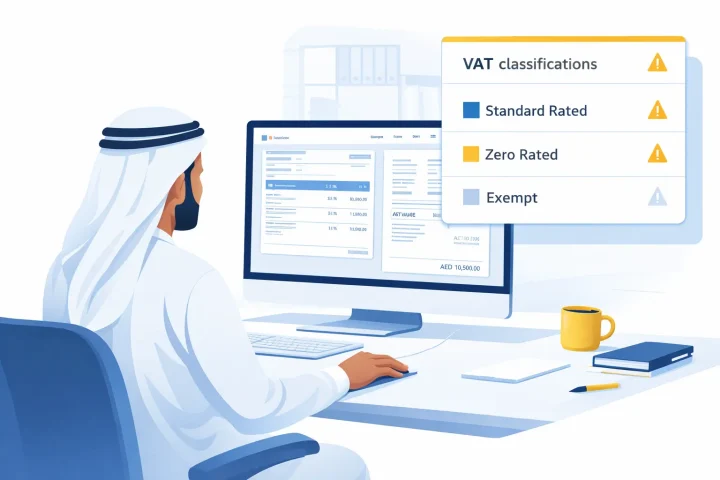
Invoices in Tally Prime may look correct, but UAE VAT returns often go wrong. This guide explains how wrong VAT classification in ledgers and stock items causes VAT mismatches, reporting errors, and FTA issues, and how to fix it correctly.
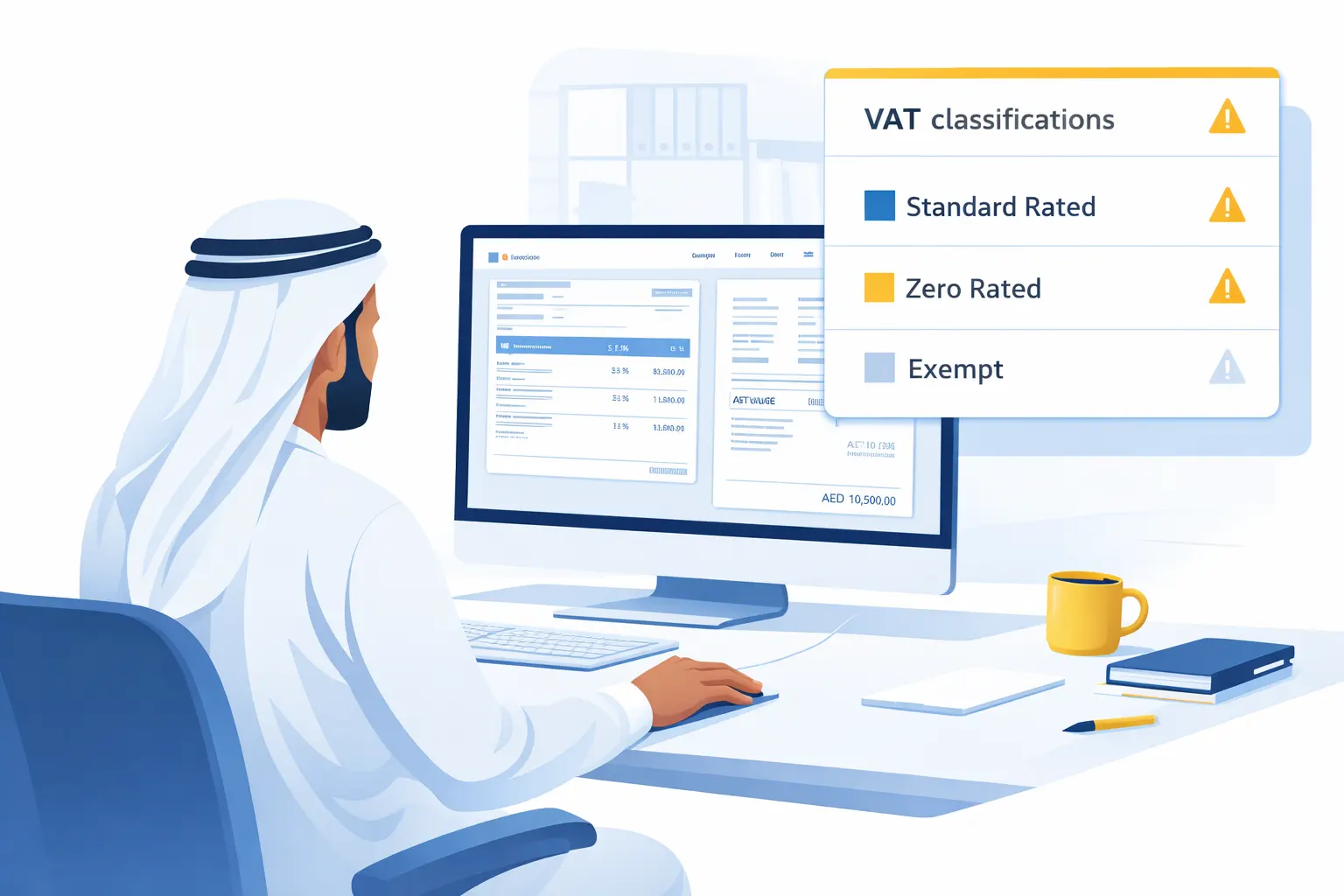
Many UAE businesses use TallyPrime daily for sales, purchases, and expenses. Invoices look fine, totals appear correct, and VAT is visible on the screen. However, when it is time to file the VAT return, problems often start to appear, such as:
• VAT amounts do not match
• Zero rated and standard rated supplies get mixed
• FTA VAT return figures differ from Tally reports
• TRN details are correct, but VAT values are still wrong
In most cases, the issue is not related to the VAT rate, invoice format, or calculation method. The real problem is incorrect VAT classification in ledgers and stock items, which is one of the most ignored yet powerful TallyPrime software features that directly affects VAT accuracy and compliance for UAE businesses.