UAE VAT Errors in Tally Prime Often Start From One Small Mistake

Invoices in Tally Prime may look correct, but UAE VAT returns often go wrong. This guide explains how wrong VAT classification in ledgers and stock items causes VAT mismatches, reporting errors, and FTA issues, and how to fix it correctly.
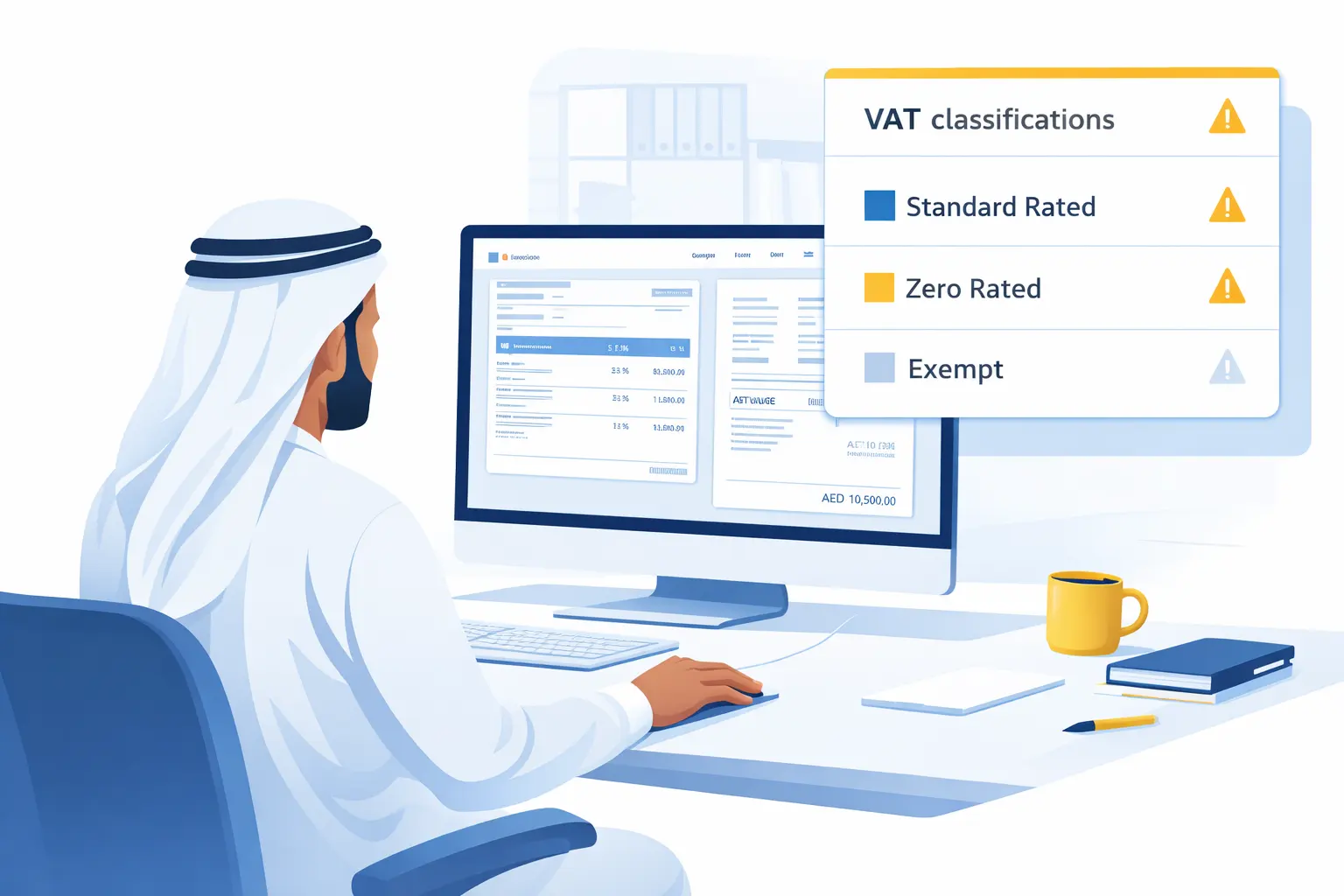
UAE VAT Errors in Tally Prime Often Start From One Small Mistake

Many UAE businesses use Tally Prime daily for sales, purchases, and expenses.
Invoices look fine, totals look correct, and VAT is showing on the screen.

But when VAT return time comes, problems start.

• VAT amounts do not match
• Zero rated and standard rated supplies mix up
• FTA VAT return figures look different from Tally reports
• TRN details are correct, but VAT is still wrong

In most cases, the issue is not VAT rate, not invoice format, and not calculation.

The real problem is wrong VAT classification in ledgers and stock items.

This is one of the most ignored but powerful VAT features in Tally Prime.

What is VAT classification in Tally Prime, explained simply

VAT classification in Tally Prime tells the software how a transaction should be treated for UAE VAT reporting.

In simple words, it answers these questions for Tally:

• Is this sale standard rated, zero rated, exempt, or out of scope?
• Is this purchase eligible for input VAT or not?
• Should this amount appear in VAT Return Box 1, Box 6, or nowhere?

Many users think selecting 5 percent VAT is enough.
It is not.

VAT rate controls calculation.
VAT classification controls reporting and compliance.

Without correct classification, VAT reports become unreliable even if invoices look correct.

How a UAE trading company actually uses VAT classification

Let us take a real example.

A Dubai based electrical trading company sells:

• Electrical cables within UAE
• Export items to Oman
• Occasionally supplies to free zone companies

All sales are entered in Tally Prime.
VAT is applied correctly on local sales.

But during VAT return preparation:

• Export sales wrongly appear as taxable
• Zero rated supplies are not separated
• VAT payable figure becomes higher than actual

Why?

Because all sales ledgers were using the same VAT classification.

Once VAT classification was corrected:

• UAE local sales went under standard rated
• Export sales moved to zero rated
• Free zone supplies were properly identified

VAT return matched FTA expectations without manual adjustment.

How to set VAT classification correctly in Tally Prime, step by step

This is not complex, but must be done carefully.

Step 1: Check if UAE VAT is enabled

Go to:
Gateway of Tally
F11 Features
Statutory and Taxation

Ensure:
• Enable Goods and Services Tax is set to No
• Enable VAT is set to Yes
• Country is UAE

Save the screen.

Step 2: Open the ledger you use for sales or purchases

Go to:
Gateway of Tally
Accounts Info
Ledgers
Alter

Select your Sales ledger or Purchase ledger.

Step 3: Set VAT applicability correctly

Inside the ledger:

• Set VAT Applicable to Yes
• Select the correct VAT Rate, usually 5 percent or 0 percent

Now comes the important part.

Step 4: Select the correct VAT classification

Tally will ask for VAT classification.

Examples you will see:
• VAT Standard Rated
• VAT Zero Rated
• VAT Exempt
• VAT Out of Scope

Choose based on the nature of transaction, not convenience.

For example:
• Local UAE sales, choose VAT Standard Rated
• Export sales, choose VAT Zero Rated
• Certain government or exempt supplies, choose VAT Exempt

Save the ledger.

Step 5: Repeat for purchase ledgers and expense ledgers

Do not ignore expenses.

Rent, telephone, fuel, professional fees all need correct VAT classification.

Wrong classification here affects input VAT recovery.

UAE specific benefits of using correct VAT classification

When VAT classification is set properly, UAE businesses get clear benefits.

Accurate VAT return filing
VAT return boxes match FTA requirements without manual correction.

Clear separation of sales types
Standard rated, zero rated, and exempt supplies show separately.

Input VAT recovery becomes reliable
Eligible and non eligible VAT is clearly identified.

Less dependency on external adjustments
No Excel corrections or last minute fixes before VAT filing.

Lower risk during VAT audit
FTA audits focus on classification errors, not calculation errors.

Common VAT classification mistakes UAE users make

These mistakes are very common in UAE Tally setups.

  • Using one sales ledger for all types of sales
  • Selecting VAT rate but skipping VAT classification
  • Using standard rated classification for exports
  • Forgetting to set classification for expense ledgers
  • Copying ledger settings without understanding purpose
  • Assuming invoice format controls VAT reporting

These mistakes do not show immediately. They appear only during VAT return or audit.

When you should use VAT classification carefully, and when not

You should use it carefully if:

  • You sell both local and export goods
  • You deal with free zone customers
  • You have mixed VAT supplies
  • You want clean VAT returns without adjustments

You may not need complex classification if:

  • You only do local UAE sales
  • All transactions are standard rated
  • No exports or exempt supplies

Even then, correct setup from the start avoids future issues.

Final practical advice for UAE businesses

VAT in UAE is simple, but only if Tally Prime is configured correctly.

Most VAT issues are setup issues, not software problems.

If your VAT return numbers do not match expectations, check VAT classification first before changing anything else.

If you need help setting this up correctly for your UAE business, TallyMena support team can assist and review your existing configuration to avoid future VAT errors.

Official reference used for understanding the feature

TallySolutions VAT feature documentation and help reference

Recent Blogs